Webhooks Administration
For what webhooks are and how to verify a delivery, see Webhooks Overview. This page covers the Console screens: managing endpoints, tuning delivery behavior, and reading the delivery log.
Managing endpoints
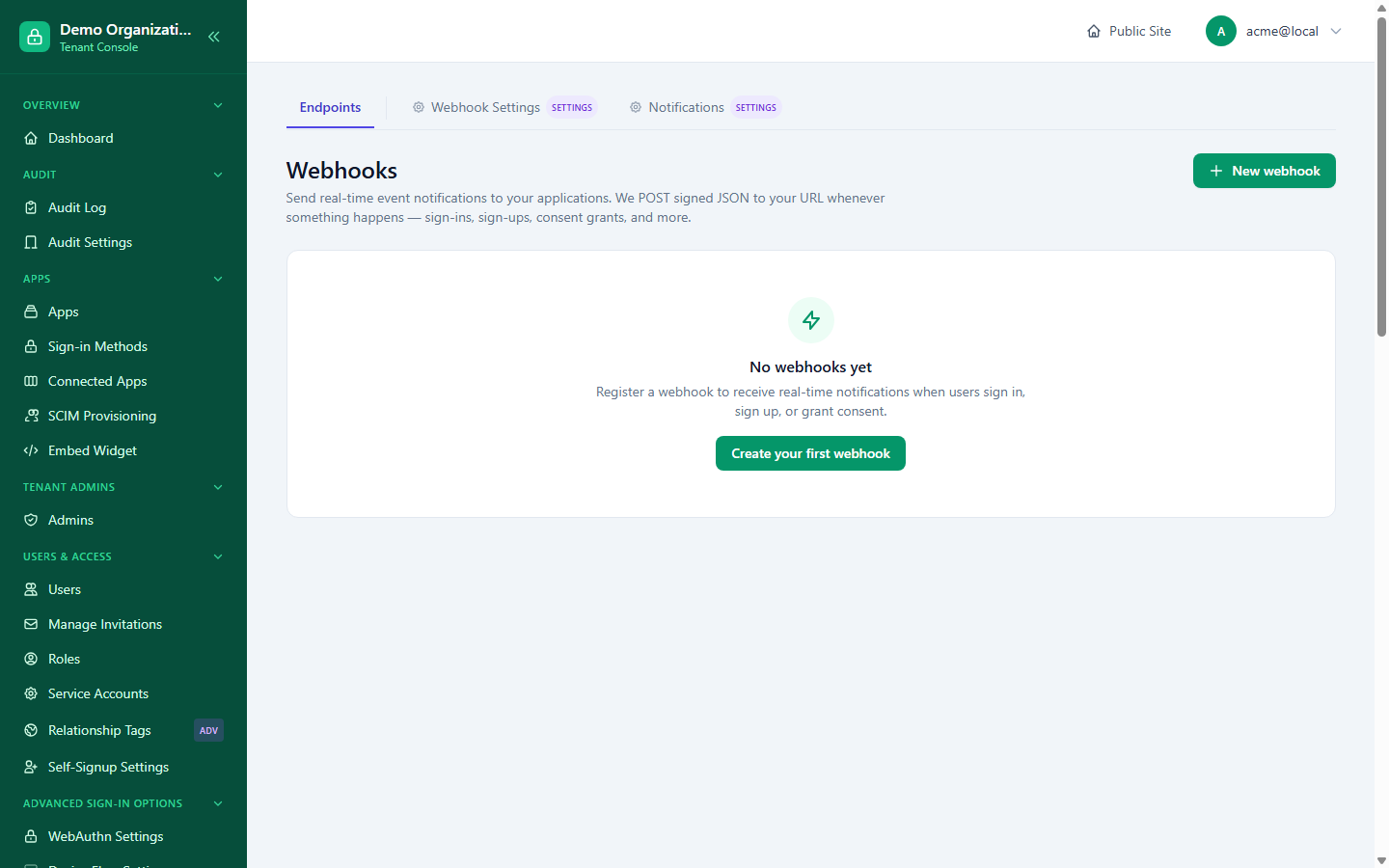
Console → Webhooks lists every endpoint registered in your organization. New Webhook / editing one (Webhook Edit) sets:
- URL — the HTTPS endpoint to deliver to.
- Events — the specific event types this endpoint subscribes to, or all of them.
- Description, Enabled.
- Timeout (seconds) — optional; leave unset to inherit your organization's own effective timeout (see below). If set, it can't exceed that effective value.
Disabling an endpoint is the way to stop deliveries to it — failures alone don't disable an endpoint automatically (see Delivery and Retries).
Tuning delivery behavior
Console → Webhook Settings — five values, each capped at a platform-set ceiling ("Floor"), same strict-only rule as everywhere else in this section:
| Setting | Controls |
|---|---|
| Max retry attempts | How many times a failed delivery is retried. |
| Backoff schedule | The delay before each retry attempt; the platform also caps the total window across all retries, not just each individual step. |
| Delivery timeout | How long a single delivery attempt waits for the endpoint to respond. |
| Max payload size (KB) | The largest event payload that will be sent. |
| Delivery retention (days) | How long delivery records (for the log below) are kept. |
The page shows your organization's current values alongside the platform ceiling for each, including the backoff schedule's total elapsed time, so you can see at a glance how much headroom you have before hitting the ceiling.
The delivery log
Console → Webhooks → (select an endpoint) → Deliveries shows recent delivery attempts for that one endpoint — status, response code, and timing for each. From here you can:
- Fire a test event — send a synthetic payload to confirm the endpoint is reachable and your signature verification works, without waiting for a real event.
- Retry a specific failed delivery — re-sends that exact event, useful after fixing a bug on your receiving end rather than waiting for the same event to naturally recur.
Related reading
- Webhooks Overview — the concept, setup steps, signature verification, and full event catalog.
- Apps & Connectors and Onboarding & Membership — sources of several of the event types listed in the overview's catalog.