Tenant Admin Guide
This is the map for running your organization's own space in LoginLink — Console (/console), the admin surface a tenant admin sees after signing in. It's the equivalent of the Platform Admin Guide, scoped to one organization instead of the whole instance.
Console has roughly 80 individual screens. Most areas now have a full written guide; this page names every one plainly — including what's still genuinely undocumented — so a gap in the docs never reads as a gap in the product.
Getting started as a tenant admin
-
Your organization already exists — either you created it yourself, or a platform admin/another admin invited you.
-
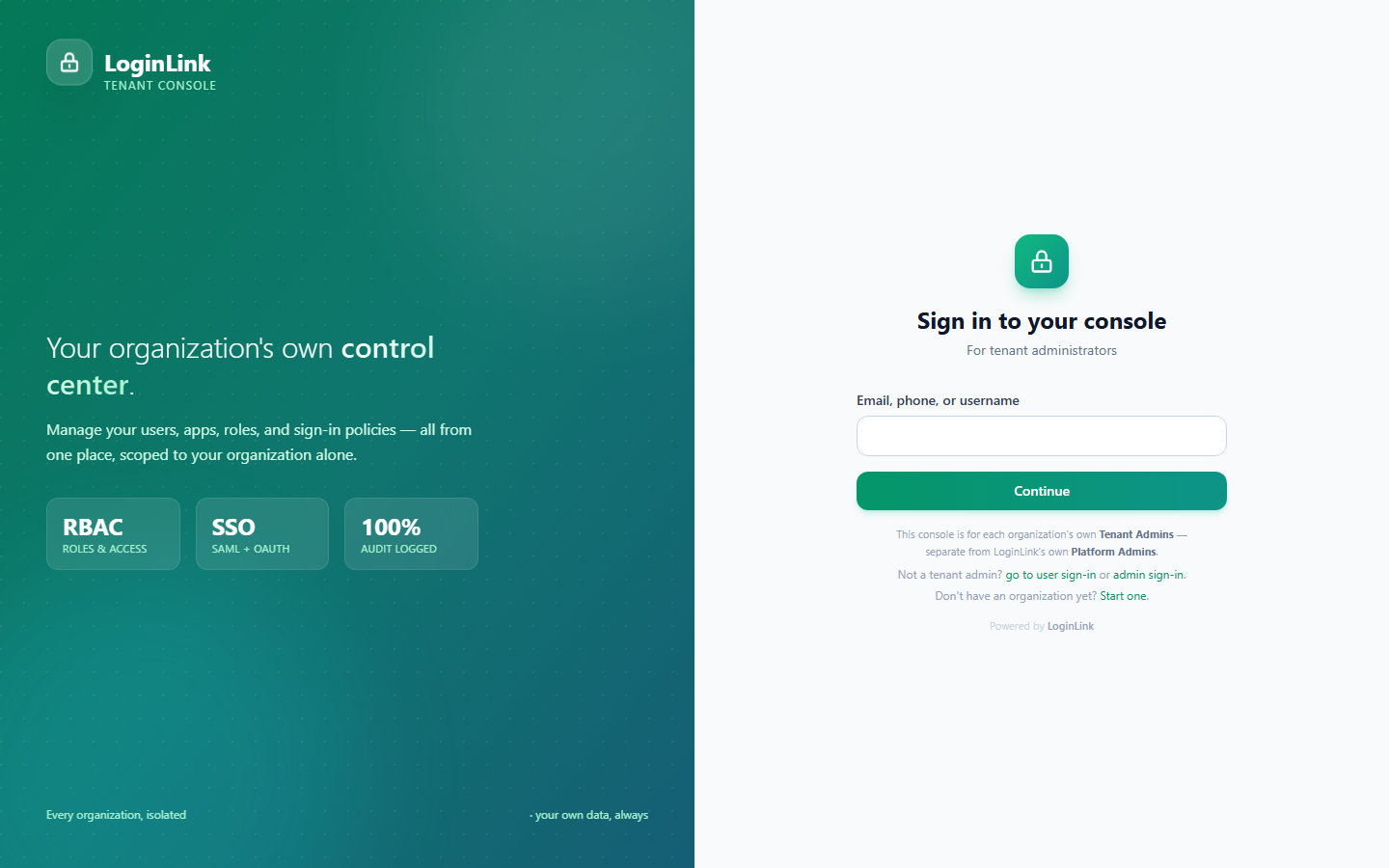
Sign in at Console → Login — identifier-first: type your email/phone/username, then choose how to continue from whichever methods your organization has enabled for admins (password, an emailed code, a sign-in link).
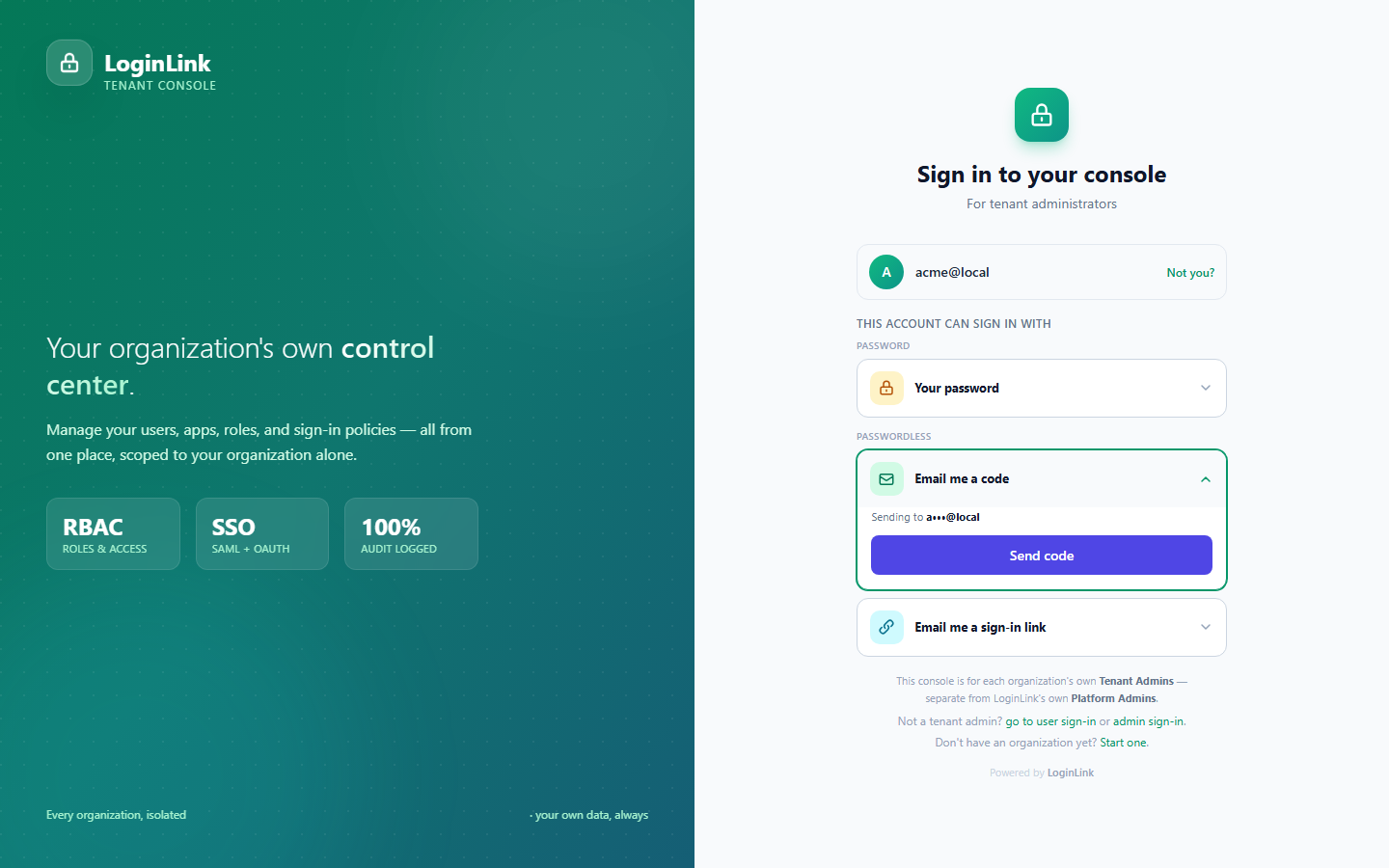
If your organization uses LDAP or an external identity provider for admin sign-in, that's configured under Authentication (see below).
-
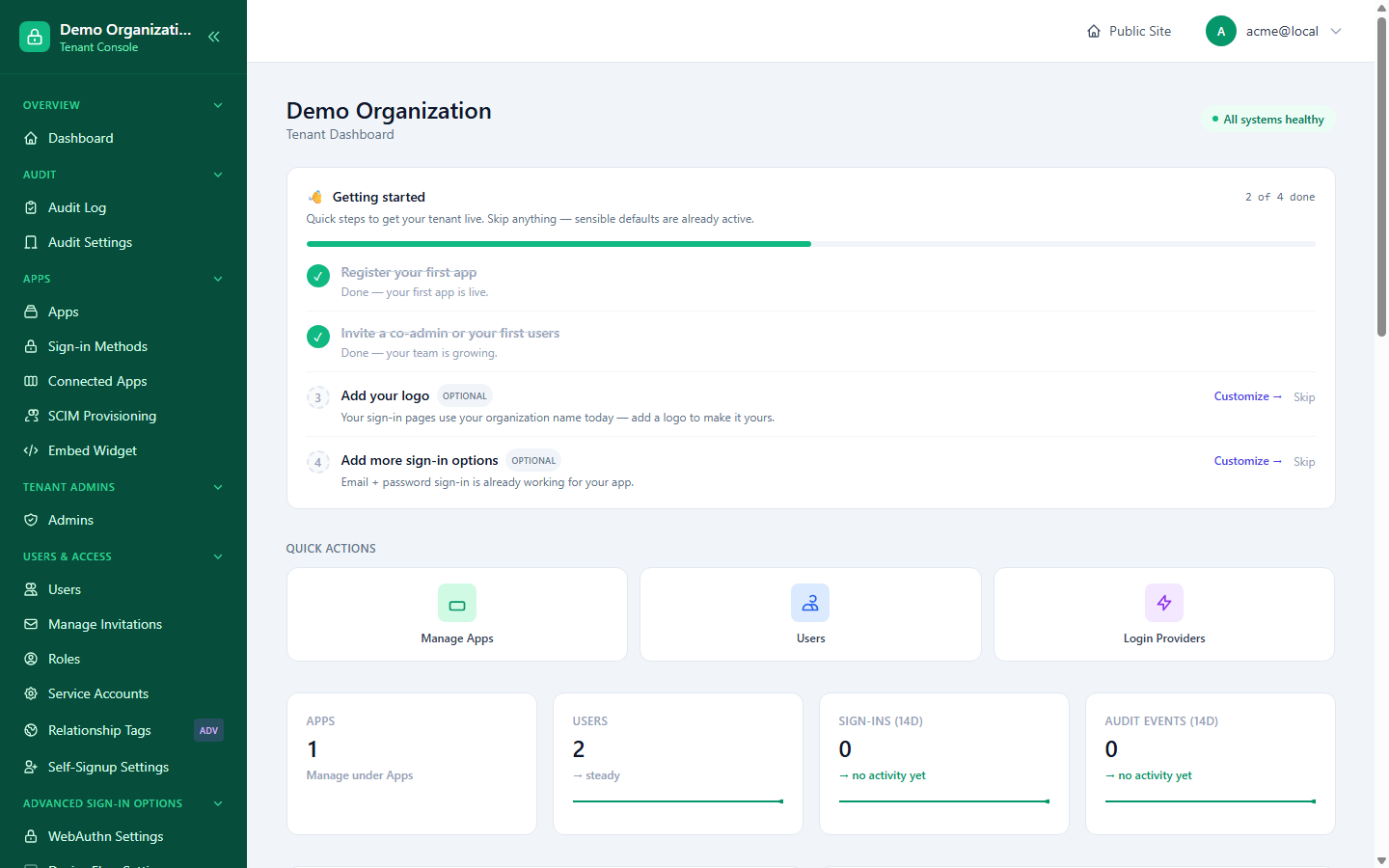
Once signed in, the tenant dashboard shows a Getting started checklist (register your first app, invite a co-admin, add a logo, add more sign-in options) alongside at-a-glance counts for apps, users, sign-ins and audit events.
-
User Management is the natural first stop — inviting your team, understanding identifiers, and the consolidated User Detail page.
-
Investigating an Admin's Actions — once you have more than one admin, know how to review what they did.
-
Register your first app (Console → Apps) and connect it using the Quickstart or Management API — or follow the Your First App walkthrough for a click-by-click version of exactly this step.
-
Bring in a second admin? See the Inviting a Co-Admin walkthrough.
Full coverage map, by area
Users & Access — documented
| Area | Guide |
|---|---|
| Users, invitations, roles, sessions, suspension, activity | User Management |
| Reviewing what an admin did | Investigating an Admin's Actions |
| Bulk/automated user sync from an external IdP | SCIM Provisioning |
| Scripted user/role/app management | Management API |
Apps & Connectors — documented
| Area | Guide |
|---|---|
| Apps (register, edit, access, roles, sign-up settings), the three-layer connector model, per-app MFA pairing, machine-to-machine | Apps & Connectors |
| Connected Apps, Providers (tenant-wide read-only view) | Apps & Connectors |
| Embeddable sign-in widget, including its Console allow-list screen | Embeddable Widget |
| Which sign-in methods exist and how each works | Authentication Methods and its sibling pages |
Roles & Relationships — documented
See Roles & Relationships: tenant-wide roles and their Members view, Role Sync (Generic REST / CSV import), and Relationship Tags (the self-service data-export/account-deletion policy toggles applied to whoever holds a tag).
Onboarding & Membership — documented
See Onboarding & Membership: the three onboarding modes, reviewing join requests, and managing direct invitations.
Identity & Session Policy — documented, split by concern
| Area | Guide |
|---|---|
| MFA behavior, pairings, recovery mode, exhaustion policy, low-codes warnings, reset request review | MFA & Recovery |
| Session duration, Remember Me, trusted devices, token lifetimes, device authorization grant | Session & Token Policy |
| Login risk scoring, account lookup (anti-enumeration) limits, geo-restriction | Risk & Anti-Abuse |
| Identifier types, custom profile/organization fields | Identifiers & Custom Fields |
| WebAuthn/passkey behavior, device flow, magic-link cross-device | Advanced Sign-in Options |
Delegated Access ("Act As") — documented
See Delegated Access ("Act As"): turning it on, the optional target-approval flow, starting and ending a session, and what gets recorded.
Risk & Security Monitoring — documented
See Risk Monitoring & Alerts: the Security Alerts review queue, the tenant-wide Risk Monitoring dashboard and per-user drill-down, MFA recovery anomaly tuning, and credential health (password age, breach-check).
Webhooks — documented
Webhooks Overview covers the concept, signature verification, and full event catalog; Webhooks Administration covers the Console screens — managing endpoints, tuning retry/backoff/timeout/payload/retention, and reading the delivery log.
Organization Settings — documented
See Organization Settings: branding, Tenant Info, custom domains, notifications, "Powered by" attribution, signing keys, co-admin management, standalone service accounts, and BYO-DB configuration — plus the two settings (Migration grace period, whole-tenant Data Export) that are deliberately platform-governed rather than tenant self-service.
Click-by-click walkthroughs — started
Two exist so far, covering the two most common early tasks: Your First App and Inviting a Co-Admin. Every other guide on this page is reference documentation with an illustrative screenshot, not a step-by-step "click this, then this happens" narrative — these two are a starting pattern for that format, not full coverage of it.
What's still genuinely undocumented
- The sign-in surfaces themselves (
/console/loginand its LDAP/password variants) — these are end-user-facing flows, not admin configuration; how each sign-in method works is covered under Authentication Methods rather than as a Console screen walkthrough. - Further click-by-click walkthroughs — beyond the two above, the highest-traffic remaining candidates are reviewing a join request, setting up SSO for the first time, and configuring MFA policy end to end.
Why this list exists: rather than leave a gap silent and undiscoverable, this map names it plainly. These are the leading candidates for the next documentation pass.
Related reading
- Platform Admin Guide — the equivalent map one layer up, for whoever runs the LoginLink instance itself.
- How LoginLink Works — the actors and policy model referenced throughout this page.