Risk Monitoring & Alerts
Where Risk & Anti-Abuse configures policy (scoring weights, thresholds, restrictions), this page covers the observation layer — dashboards and queues that surface what's actually happening in your organization, so nothing gets decided silently on your behalf.
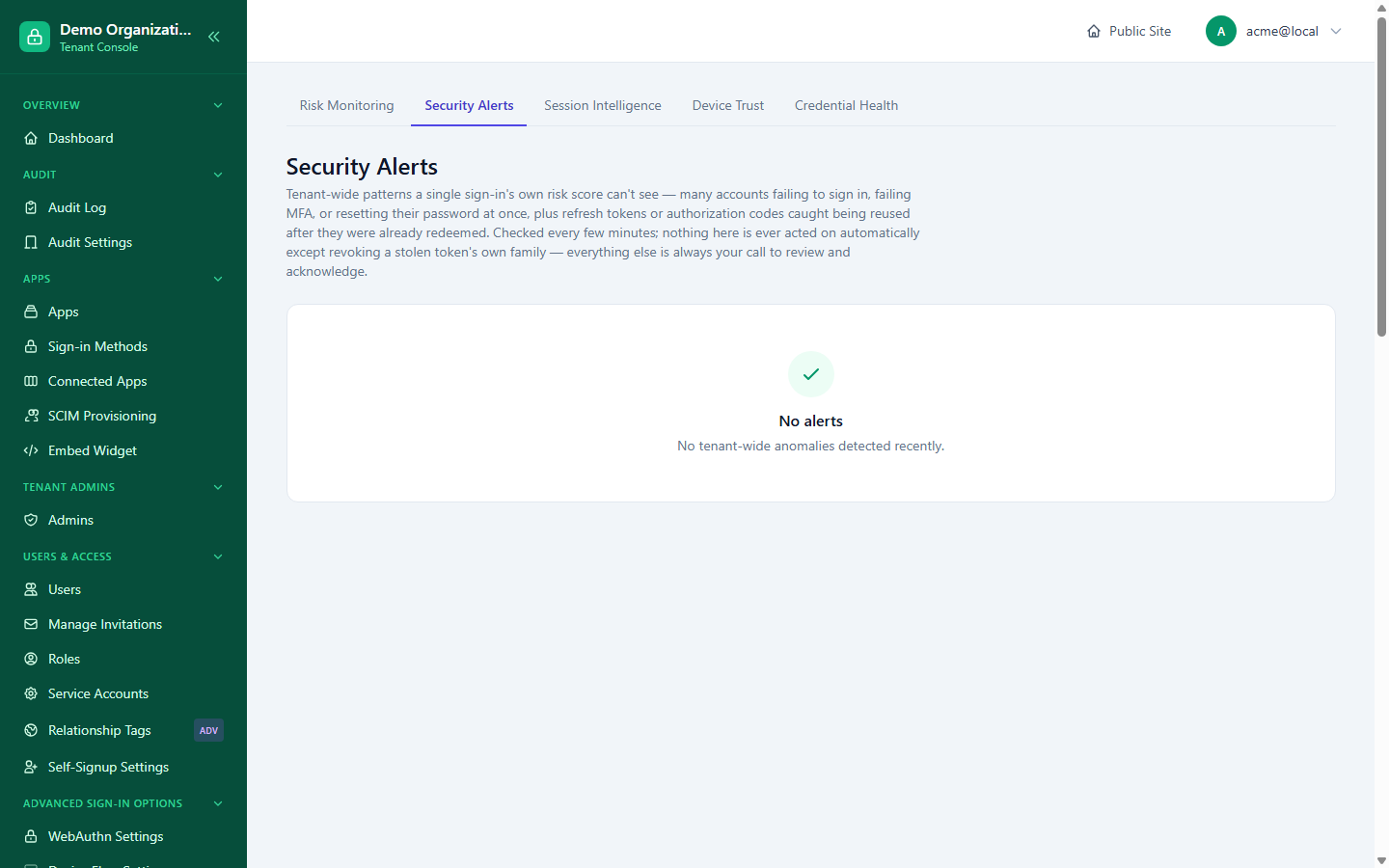
Security Alerts — the review queue
Console → Security Alerts is a reviewable, dismissible queue for tenant-wide patterns a single sign-in's own risk score can't see — many accounts failing to sign in, failing MFA, or resetting their password all at once, plus refresh tokens or authorization codes caught being reused after they were already redeemed. Checked every few minutes. Nearly everything here is left for you to review and acknowledge — the one exception is stolen-token reuse detection, where the token's entire family is revoked automatically rather than just flagged, since waiting for a human review on an actively-replayed token would defeat the point.
| Alert type | Severity | Detects |
|---|---|---|
| Mass failed logins | Critical | An unusual spike in failed sign-in attempts |
| Mass MFA failures | Critical | An unusual spike in failed MFA challenges |
| Mass password resets | Warning | An unusual spike in password reset requests |
| Mass privilege grants | Warning | An unusual spike in role/privilege grants |
Each alert shows when it was detected and can be acknowledged once reviewed.
Risk Monitoring — the tenant-wide dashboard
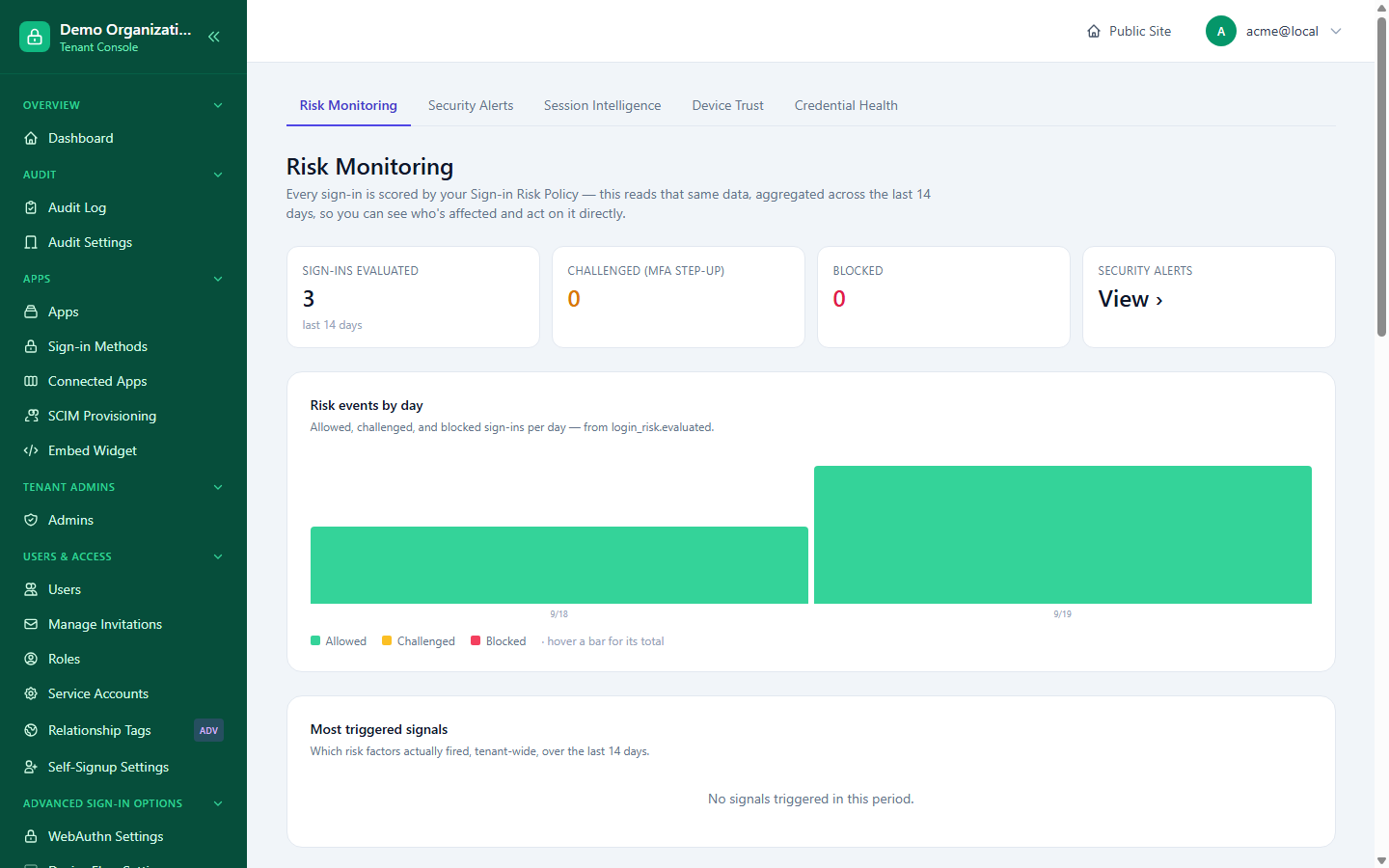
Console → Risk Monitoring consolidates what would otherwise be several separate dashboards into one view of your organization's login-risk posture:
- Evaluation totals — how many sign-ins were evaluated, how many were challenged (step-up), and how many were blocked, with a daily breakdown.
- Top triggered signals — which risk signals are firing most often across your organization.
- Most impacted users — a per-user rollup of high-risk or blocked events, drilling down to a full per-user detail view (see below).
- Identity attack surface — dormant accounts, users without MFA enrolled, currently locked-out accounts, and unused apps: not new tracking, just an aggregate view over data that already exists, aimed at spotting exposure before it's exploited.
- Admin activity and cross-account IP widgets — the same admin-action and shared-fingerprint concerns as Investigating an Admin's Actions and Session & Token Policy, surfaced here as part of the same risk picture.
Per-user risk detail
Drilling into a user from "Most impacted" opens a full security posture view for that one person — the same underlying engine an end user's own self-service security page uses, applied here from an admin's perspective: risk-score history, IP/device pattern analysis, active sessions, MFA and recovery status, and the account's lifecycle timeline.
Session Intelligence
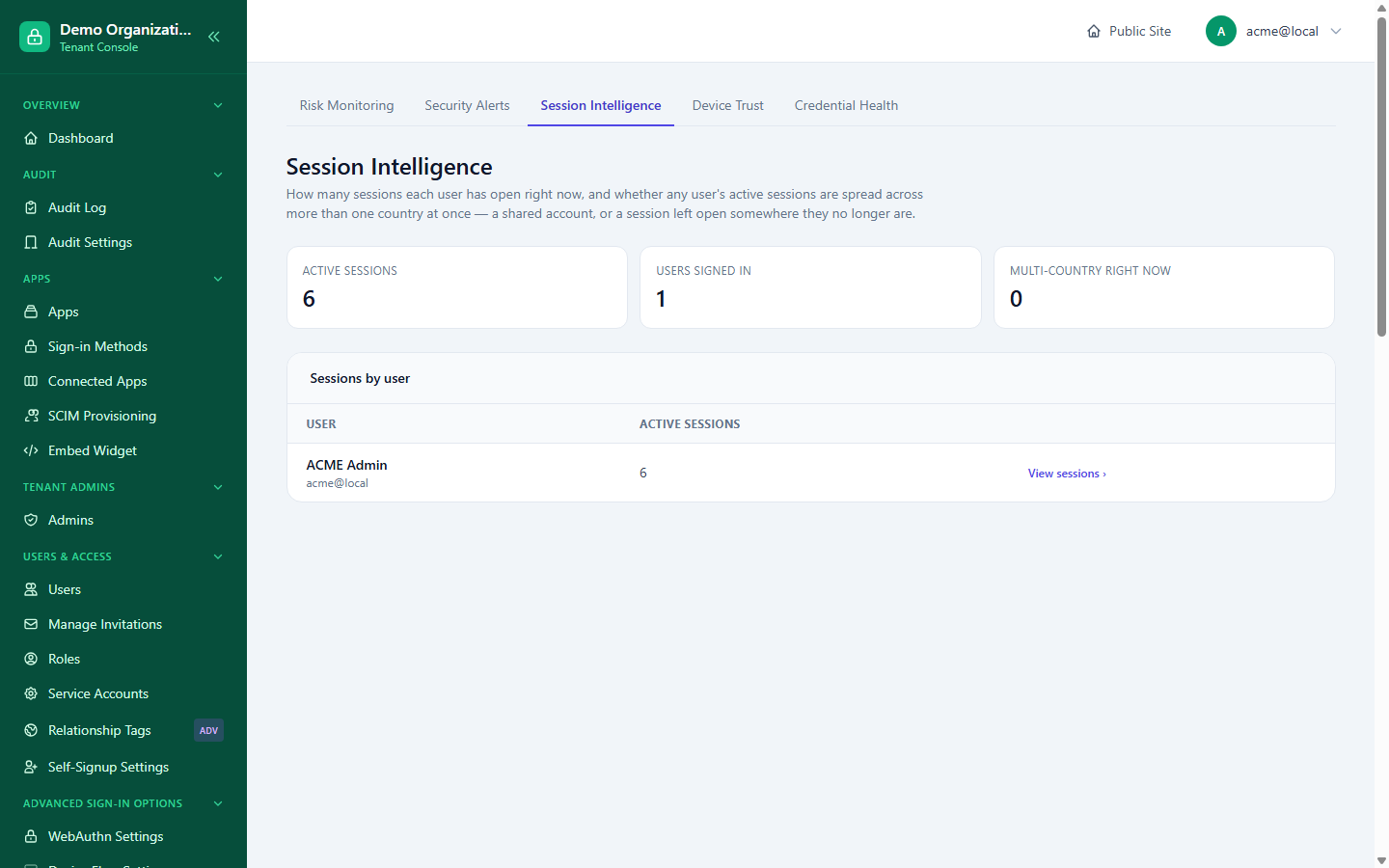
Console → Session Intelligence answers two questions at a glance: how many sessions each user has open right now, and whether any single user's active sessions are spread across more than one country at once — a signal for either a shared account or a session left open somewhere the user no longer is. A per-user breakdown links straight through to that user's own session list.
Device Trust
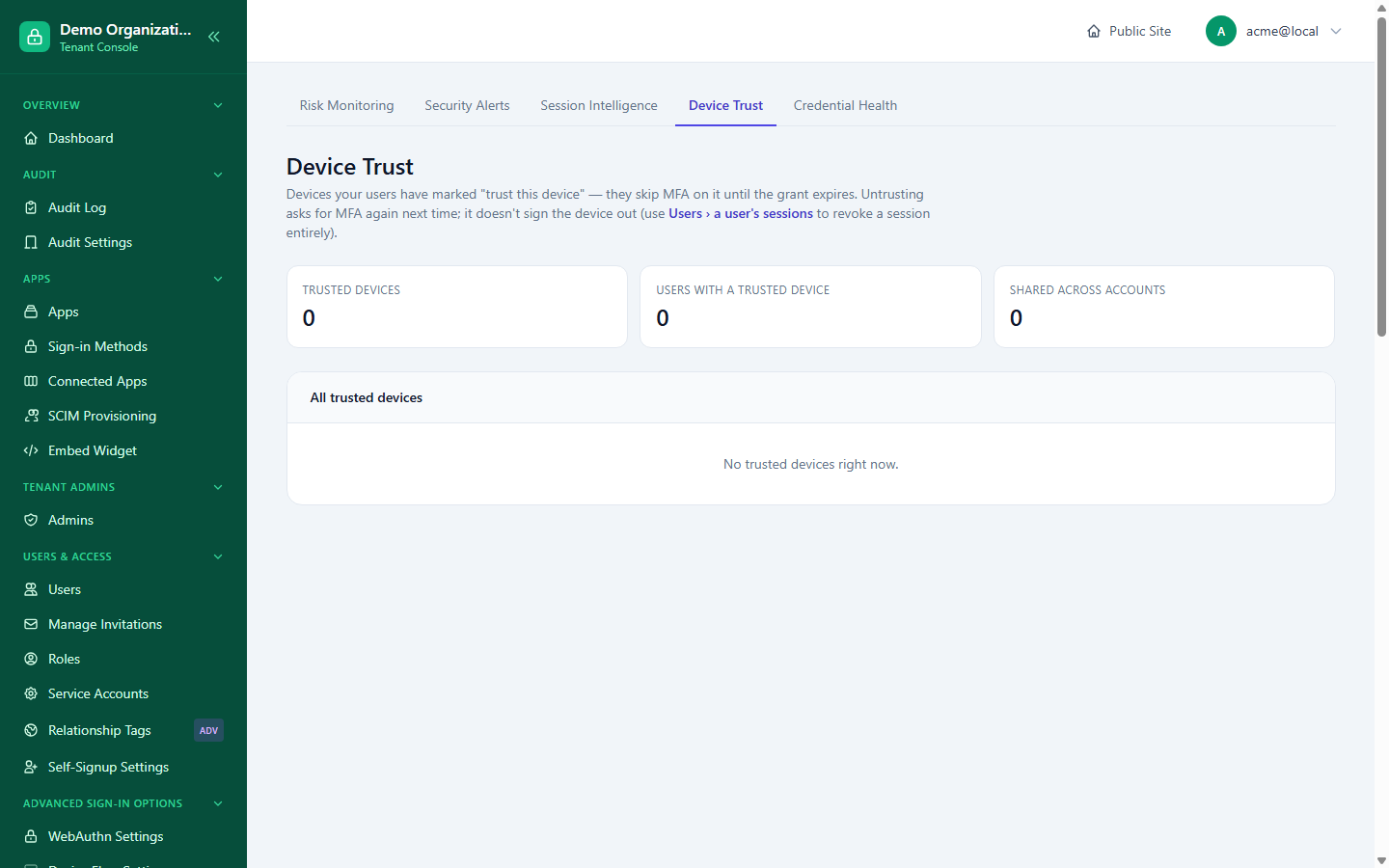
Covered in Session & Token Policy — the tenant-wide list of every currently trusted device, with Untrust (asks for MFA again next time, doesn't sign the device out) kept deliberately distinct from a session Revoke (which does).
MFA recovery anomaly tuning
Console → MFA Anomaly is an advanced, rarely-touched page tuning the risk model specifically behind MFA reset requests — three sections, each saved independently: risk-tier bounds (including an auto-deny threshold), ten individual signal weights, and threshold tunables (time windows, minimum counts). Most organizations never need to adjust this — the defaults are deliberately sensible.
Credential health
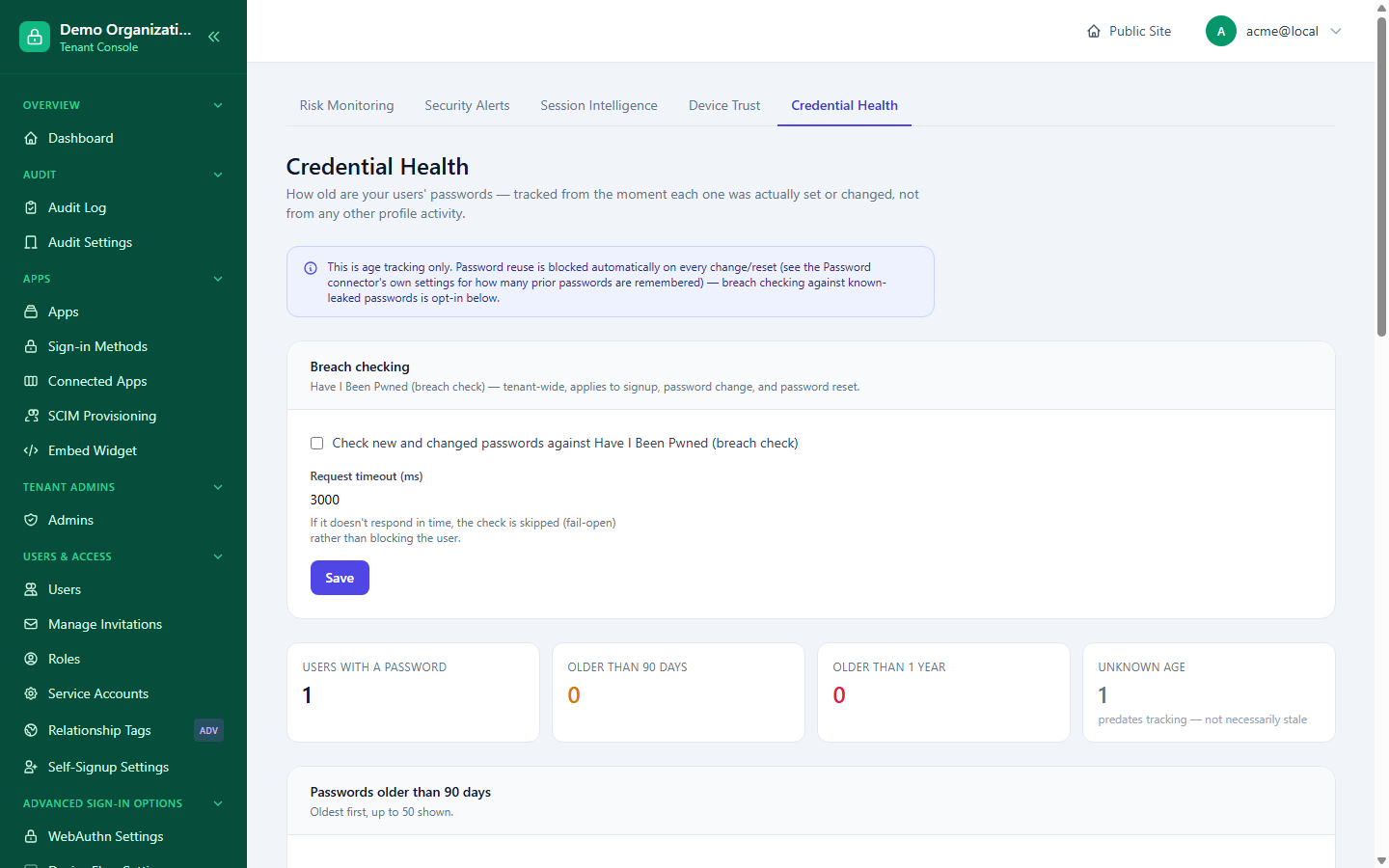
Console → Credential Health:
- Password age tracking — counts of users with a password older than 90 days or a year, and users whose password age can't be determined, with a drill-down list of the specific stale accounts.
- Breach-check toggle — a tenant-wide switch for the HaveIBeenPwned-style breach-check connector, kept here rather than on the generic per-app connector configuration page because it's genuinely tenant-wide, not tied to any one app.
Password reuse detection (stopping someone from reusing a recent password) is a separate, already-built feature configured on the Password connector's own settings page, not here. The breach-check request has its own timeout (3 seconds by default); if the check doesn't respond in time, it's skipped rather than blocking the user — fails open, not closed.
Related reading
- Risk & Anti-Abuse — the policy layer this page's dashboards report against.
- MFA & Recovery — where the reset requests scored by MFA Anomaly are actually reviewed.
- Investigating an Admin's Actions — the audit-side detail behind the Admin Activity widget.