Roles & Relationships
Beyond the app-specific roles covered in Apps & Connectors, your organization has tenant-wide roles, a way to sync role assignments from an external system, and a labeling system — Relationship Tags — for governing what different kinds of accounts are allowed to do to themselves.
Tenant-wide roles
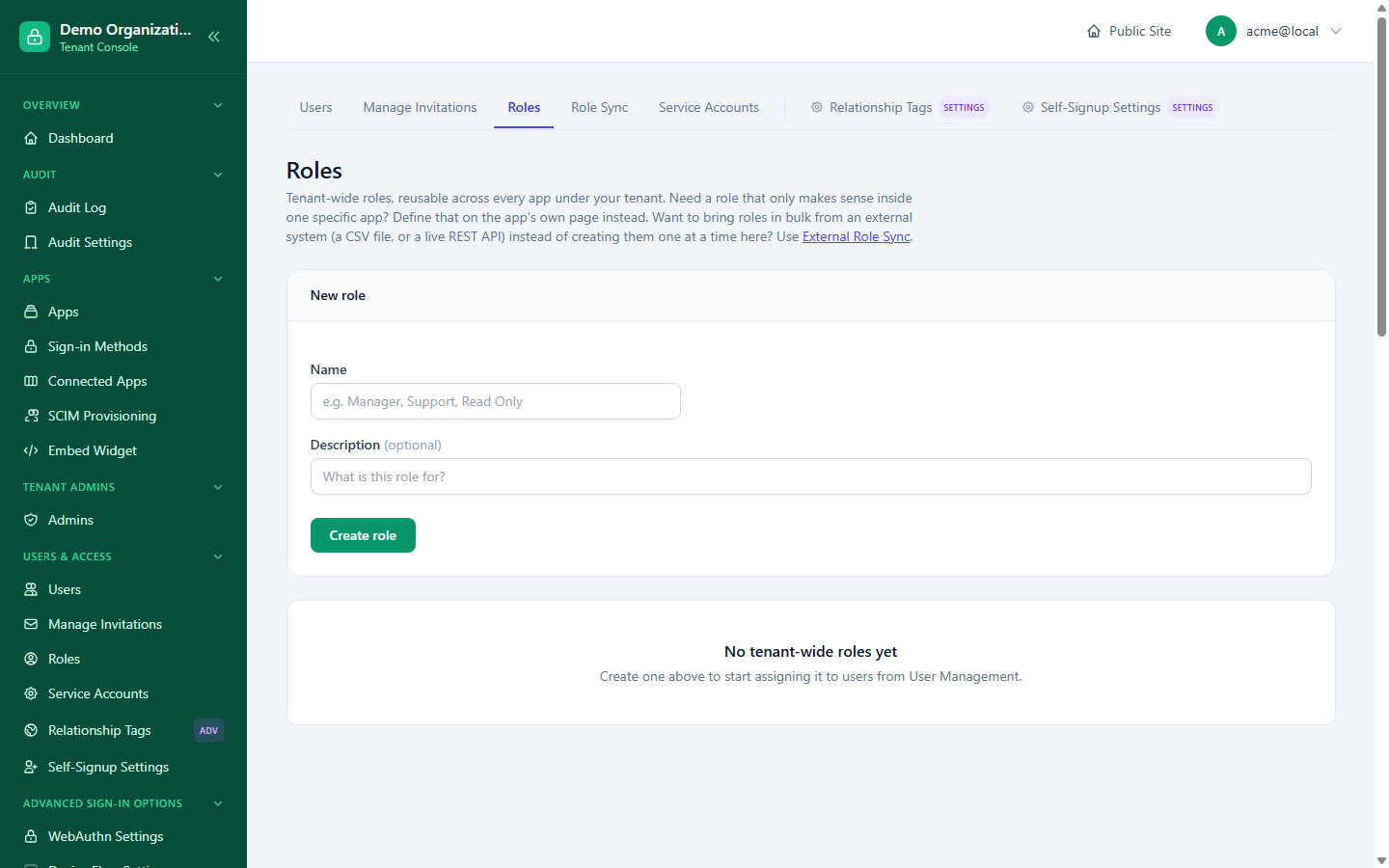
Console → Roles defines role names usable across every app in your organization (as opposed to an app-specific role, private to one app). Search and paging work the same as Users and Apps — 24 per page.
Each role's row shows how many users currently hold it. Deleting a role also removes it from every user who had it — there's no orphaned-assignment cleanup step needed afterward.
Assigning members to a role
Rather than assigning roles one user at a time from each user's own page, Console → Roles → (select a role) → Members lets you work from the role's side: see everyone who currently has it, search your organization for someone to add, and remove someone directly from the list. This is the same underlying assignment as the per-user Roles & Access tab in Managing Users — just entered from the opposite direction, useful when you're staffing up a role rather than auditing one person.
Role Sync — pulling assignments from an external system
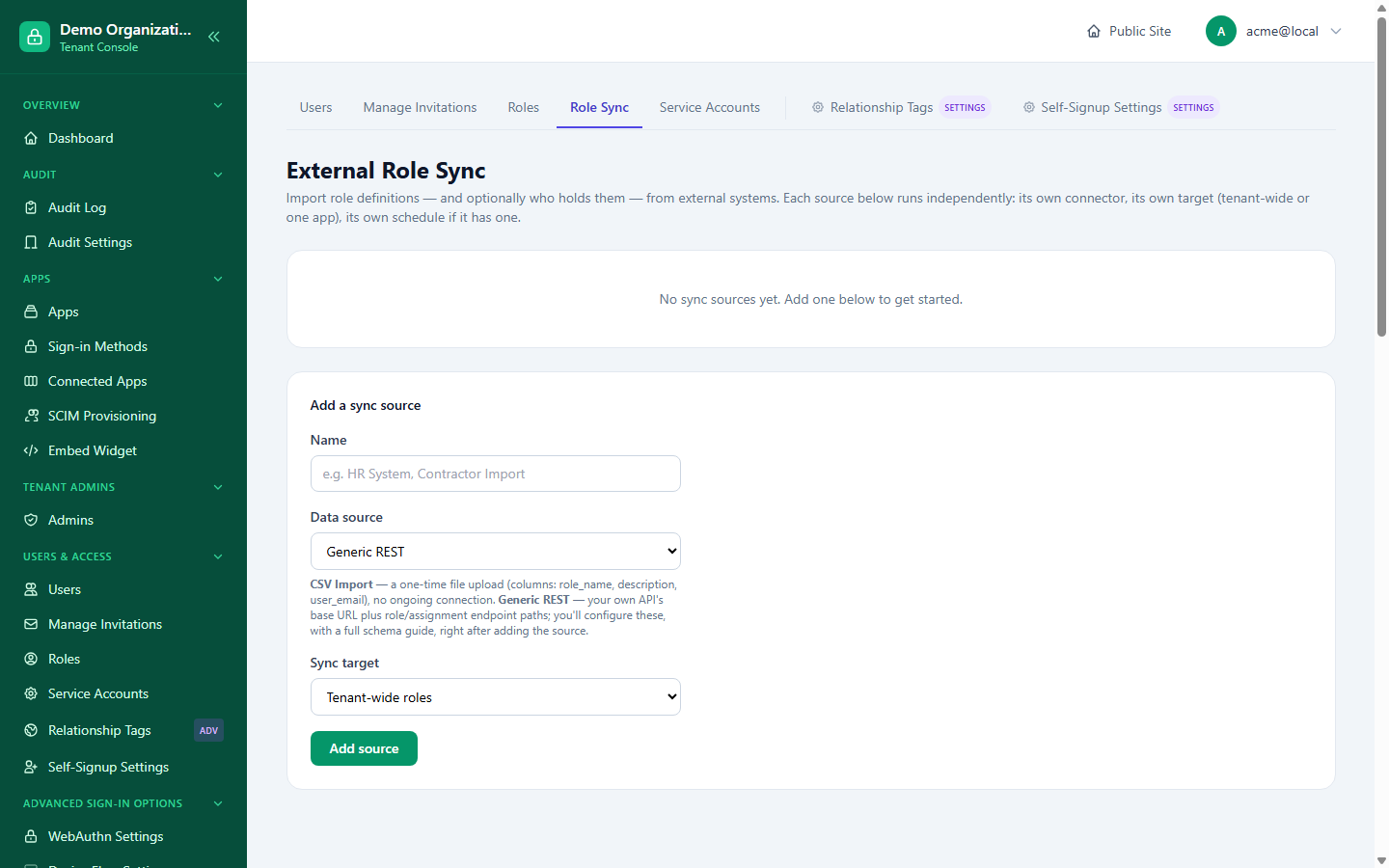
Console → Role Sync (titled "External Role Sync" on the page itself) lets you configure one or more independent sources that push role assignments into LoginLink automatically, instead of assigning everyone by hand — each with its own connector, its own target (tenant-wide or one app), and its own schedule if it has one:
- Generic REST — a connector you point at your own HR system, directory, or any REST endpoint that can return a user-to-role mapping; supports a manual "Sync now" as well as being run on a schedule.
- Upload CSV — a one-time file upload (columns:
role_name,description,user_email), no ongoing connection — a one-shot import: upload a file, and the same run both applies the mapping and reports the result immediately.
Each source targets either your tenant-wide roles or one specific app's roles, so you can run, for example, a company-wide HR sync alongside a separate CSV import that only assigns roles within one internal tool. A sync run reports how many roles were newly created, how many already existed and were left alone, how many assignments were applied, and how many were skipped because no matching local user was found — so a partial or confusing sync is never silent.
Relationship Tags
Console → Relationship Tags is not about permissions — it's about self-service policy: what an account is allowed to do to itself, independent of any role it holds. Every organization starts with two seeded tags:
- Public — the default tag for someone who self-signs-up.
- Enterprise — the default tag for someone who's invited, with self-service account deletion turned off by default (appropriate for, say, an employee account your organization wants to control the offboarding of, rather than letting the employee erase it themselves).
Each tag carries two independent policy toggles, applied to every user holding that tag:
| Policy | Controls |
|---|---|
| Self-service data export | Whether the user can download their own data from their profile (on by default). |
| Self-service account deletion | Whether the user can erase their own account from their profile (on by default). |
The Relationship Tags page opens with an at-a-glance table: each tag, how many people hold it, whether it may export or delete its own data, and which apps it opens. A tag does not grant roles or permissions inside an app.
A tag is also a group:
- On an app's Access page, Grant by group lets in everyone with a tag (see Apps & Connectors).
- Tags can carry Access Rules, so a sensitive group gets stricter sign-in rules the moment someone is tagged.
Accounts created directly by an admin get the tenant's "default for invites" tag, the same as an invited person. If some accounts have no tag (created before tags existed), the page shows a banner with a one-click Give them this tag; it never runs by itself.
You can add unlimited custom tags beyond the two seeded ones, and choose which tag is the default for self-signup versus for invited users independently — see Onboarding & Membership for how a specific app can override the self-signup default further. Deleting a tag isn't supported — if a tag needs retiring, reassign its members to a different tag first.
Related reading
- Managing Users — per-user role assignment (Roles & Access tab) and identity basics.
- Apps & Connectors — app-specific roles and per-app self-signup tag overrides.
- SCIM Provisioning and Management API — the other two ways role assignments can be pushed in from outside, alongside Role Sync above.