Checkout and return
checkout_url is /pay/{id} on the platform's address or the tenant's own domain. It needs no login and works on phones.
What the payer sees
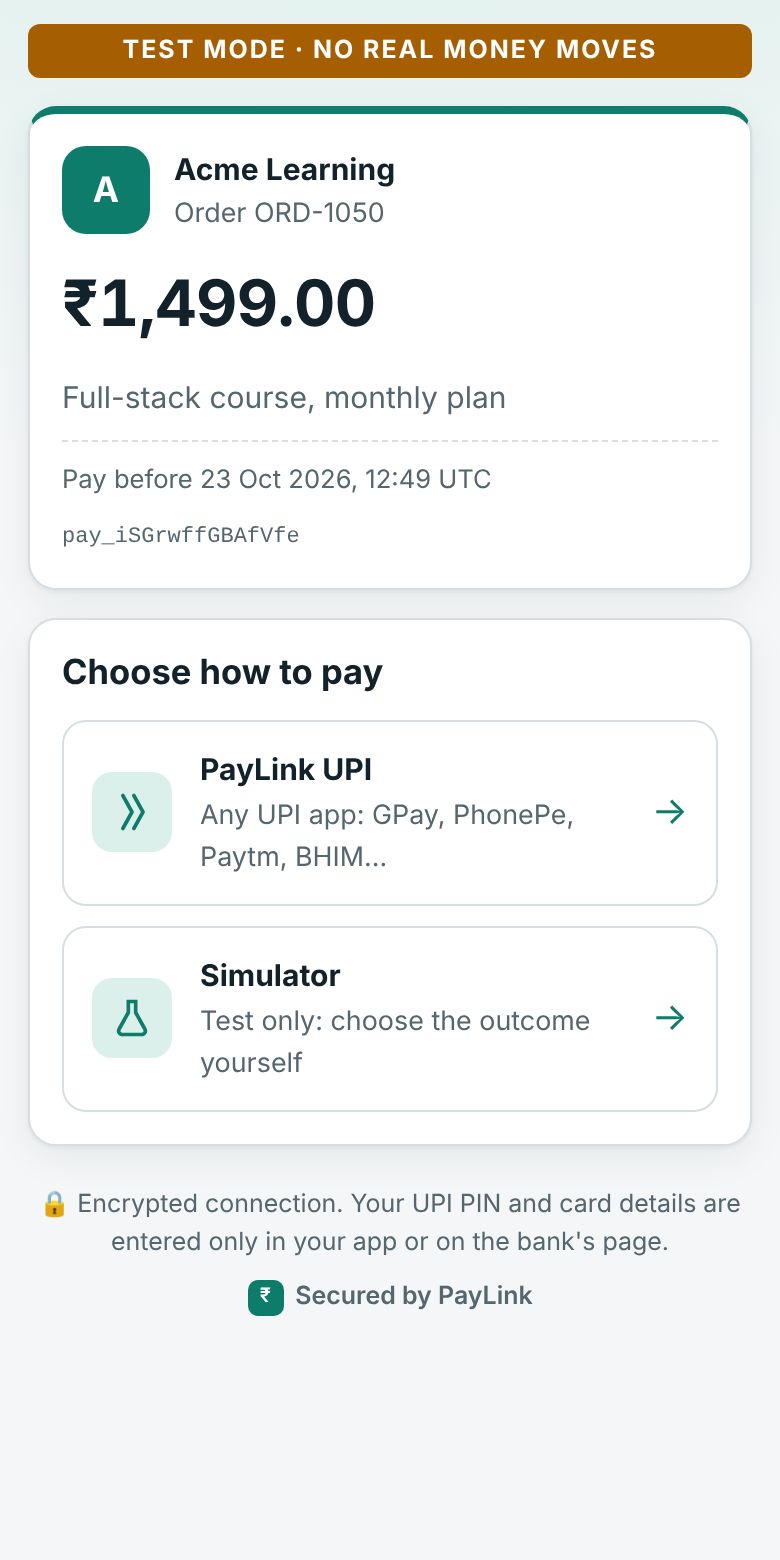
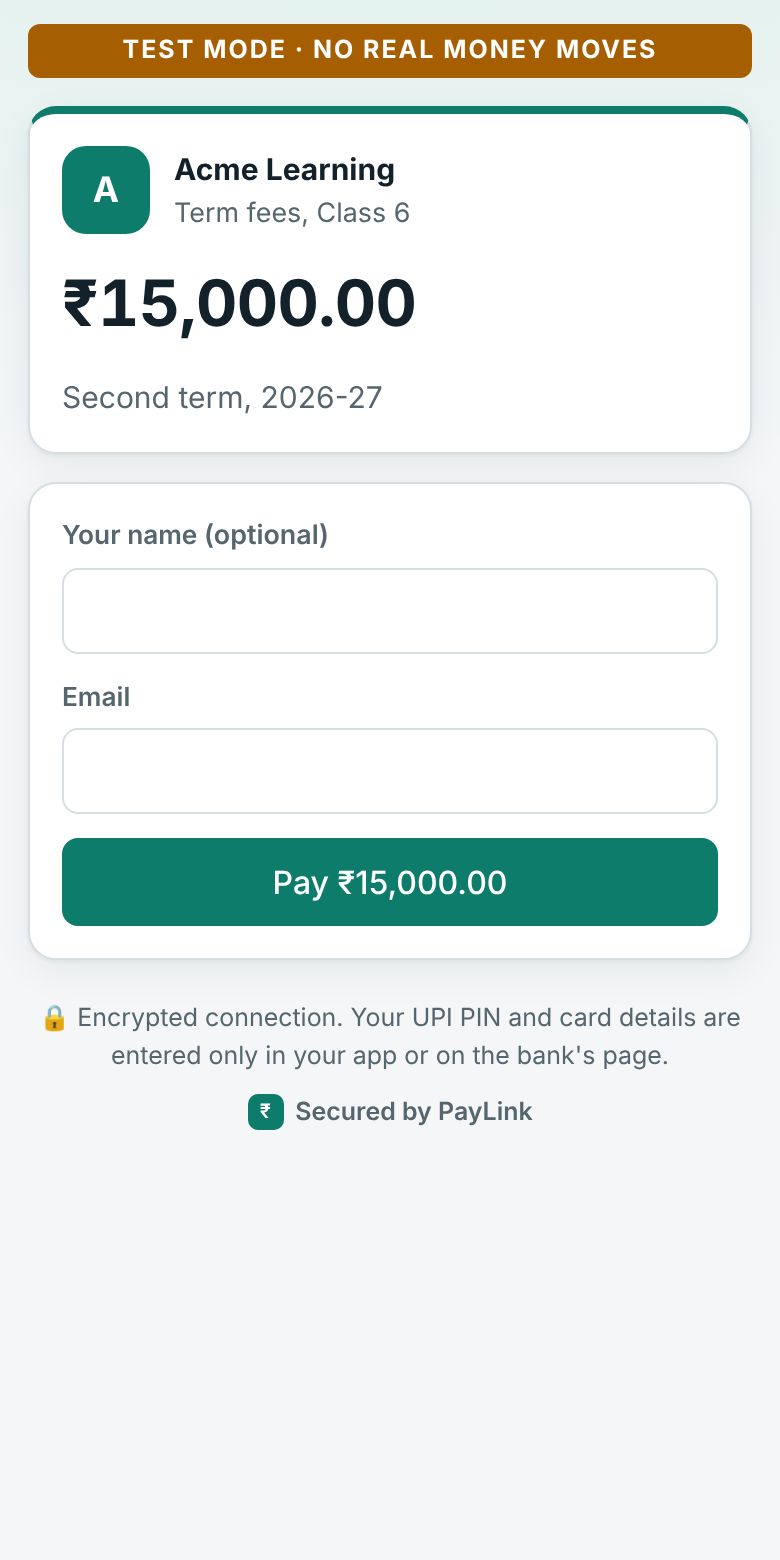
- The merchant's name, what the payment is for and the amount.
- The methods turned on for that mode, in the merchant's order, filtered by the payment's currency and amount ranges. Test payments show a test bar and the Simulator.
- After choosing: the method's flow (a UPI QR code and UTR form, or the gateway's page).
- If an attempt fails, the payer can try again with another method. After 5 attempts the payment fails.
- The result, then a redirect to
return_url?payment_id=…&status=…if you gave one.
The page is plain and distraction-free: just the merchant and the payment, with an optional small "Secured by PayLink" line the platform can turn off.
Coming back
Use return_url to show the payer their order, but don't fulfil from it: anyone can open a URL. Confirm with GET /api/v1/payments/{id} or the webhook. A processing status means the payer says they've paid and PayLink is waiting for confirmation (for PayLink UPI, the merchant's approval).
Expiry
An unpaid payment expires after expires_in (30 minutes by default) and its checkout says so. A payment that's processing doesn't expire.
Status endpoint
GET /pay/{id}/status answers only { payment_id, status, livemode }, for the Pay button. It's safe to expose: the id is unguessable and nothing else is revealed.